The game
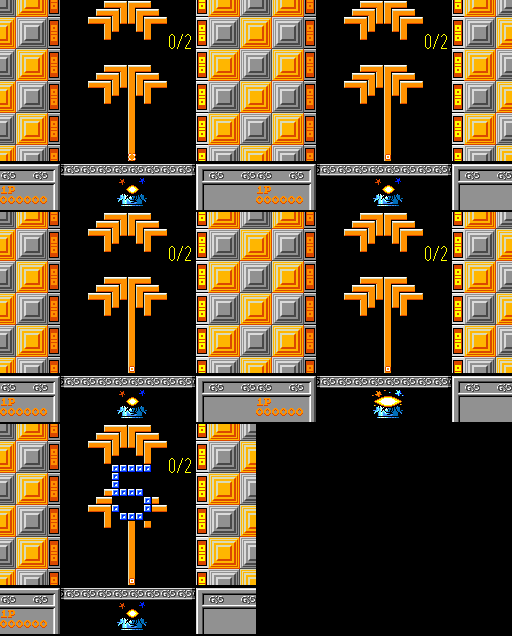
The blocks come down the field and the ship, at the bottom, fires upwards:
every shot that hits a block leaves a new block stuck underneath it
(p02:9480). When a formation has become a closed rectangle, the game
walks it in a spiral from one corner, counts the points and erases it
(p02:905C). If a block reaches the ship's row (row 0x15 from the top),
the game is lost (p02:857D).
Every GIF on this page is the cartridge running in openMSX: on every VDP
frame the VRAM, the palette and the registers are logged, and
tools/pinta_omsx.py paints them (see Under the hood).
Each picture lasts 1/60 of a second, one VDP frame.
The menu
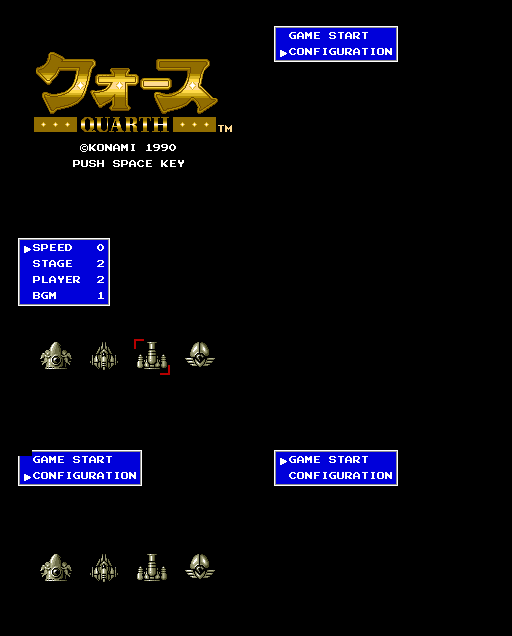
From the title, with the space bar, to the menu: 1P MODE, 2P MODE 1
and 2P MODE 2 (the text at p01:6813), and then GAME START or
CONFIGURATION (p01:687C). The configuration sets:
| Values | ||
|---|---|---|
| SPEED | the speed of the field (0xDBF1, 0xDBF2) |
0 to 9 |
| STAGE | the stage to start on (0xDBF0) |
1 to 10 |
| PLAYER | the look of the ship (0xDBEE, 0xDBEF) |
four |
| BGM | the stage music (0xDBED) |
0 to 3 |
In 2P MODE 1 there is one PLAYER for each player (they share the field and
the speed). The GIF goes through the menu and the configuration of 1P MODE
and 2P MODE 1; the limit of each option is at p01:6565.
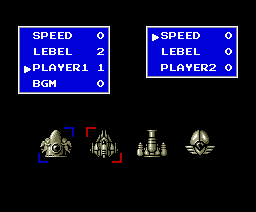
The one for 2P MODE 2 is per player: SPEED, LEBEL (spelt like that)
and PLAYER, with no STAGE. LEBEL, from 0 to 9, gives the filled cells each
field starts with: 0, 12, 36, 48... up to 120 (the table at p01:667E,
p01:63B8).
The three modes
- 1P MODE: one player and one field (
p02:80C3). - 2P MODE 1: both players in the same field, each with their own ship
and shots (
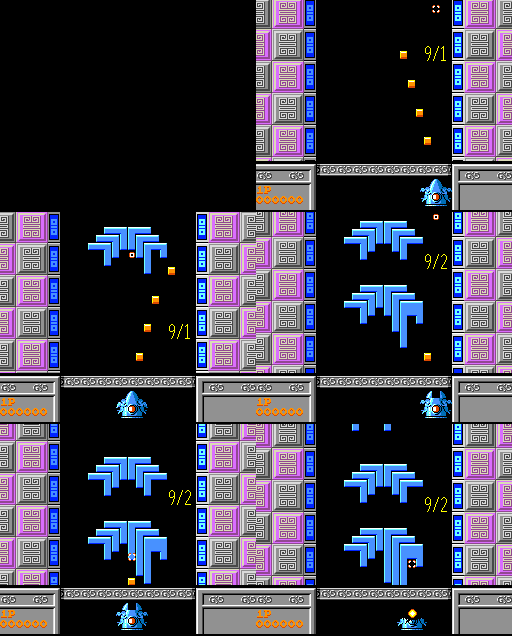
p02:80F1). - 2P MODE 2: each player in their own field, side by side
(
p02:8136). Closing a rectangle takes a filled cell away from whoever closes it and, every second time, gives one to the other (p02:9103).
They can be seen played in the demos: the second is 2P MODE 1 and the third 2P MODE 2.
How a stage goes on
The field comes down by itself, faster and faster: the speed comes from the
table at p02:8BCC, with the stage plus SPEED and how far the field has come
down, in laps of 16 rows (0xC790); in 2P MODE 2, from the table at
p02:8C58, with SPEED and the distance (p02:8B23). Formations come in at
the top, one row for each row the field comes down (p02:92BB).
- After 4 laps (64 rows) comes a formation with a special piece
(type 2): closing it erases every block in the field, row by row, with
points for each (
p02:92F5,p02:99A3,p02:8F8D). - After 8 laps (128 rows) comes the one that ends the stage (type 3):
once closed, the field stops, the stage-clear tune plays and the next stage
begins (
p02:8EE9). After the tenth comes the ending.
The stage music comes in three parts that change at those same points (see The music).
The ten stages
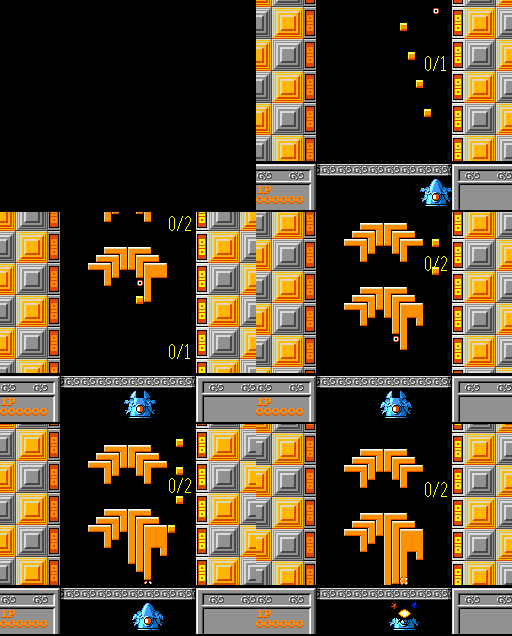
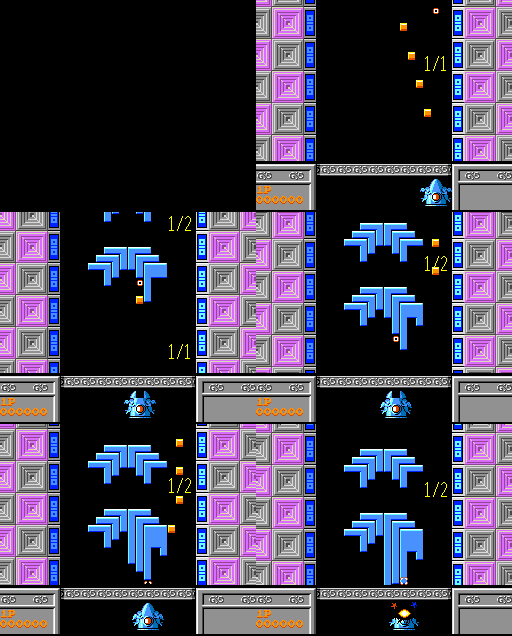
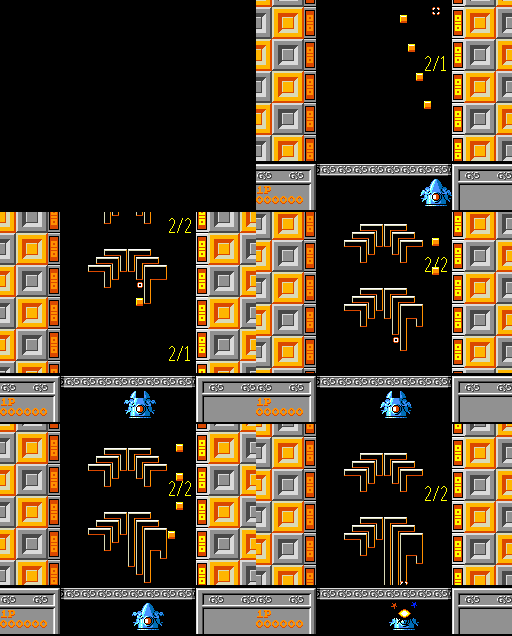
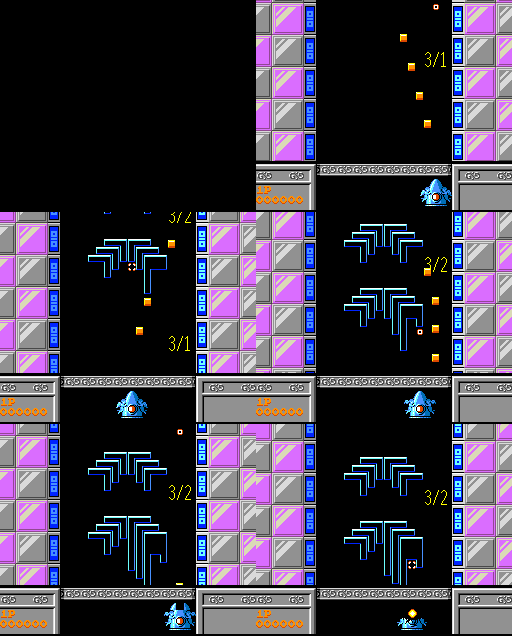
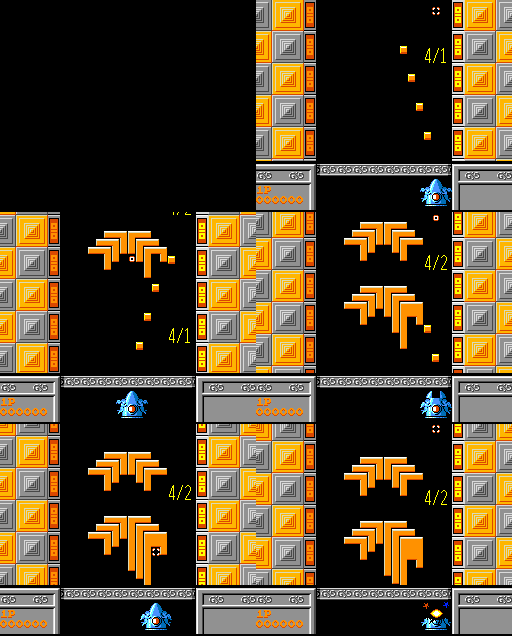
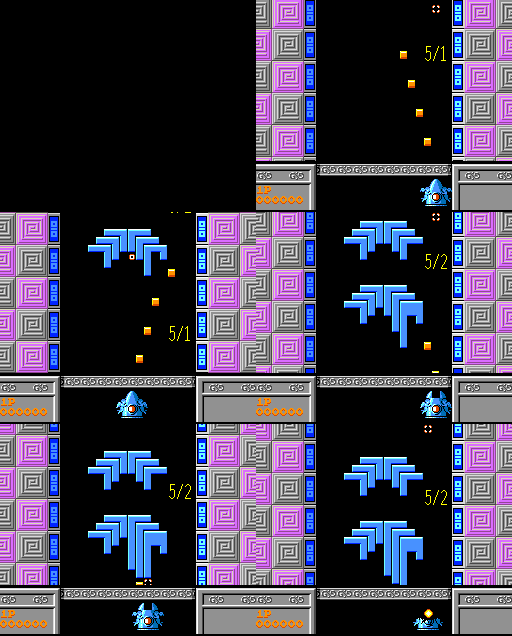
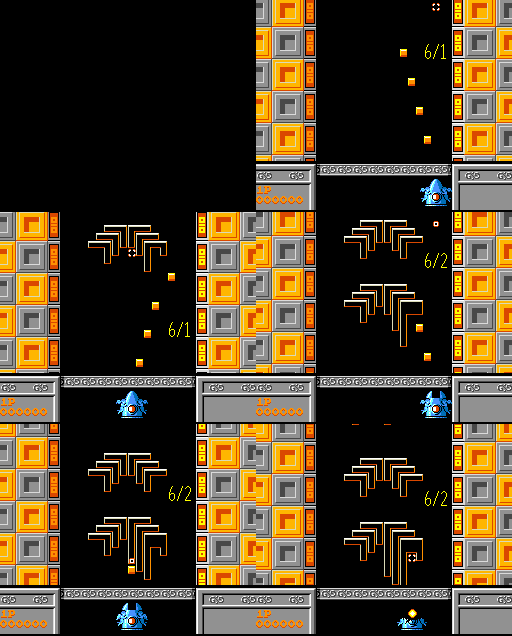
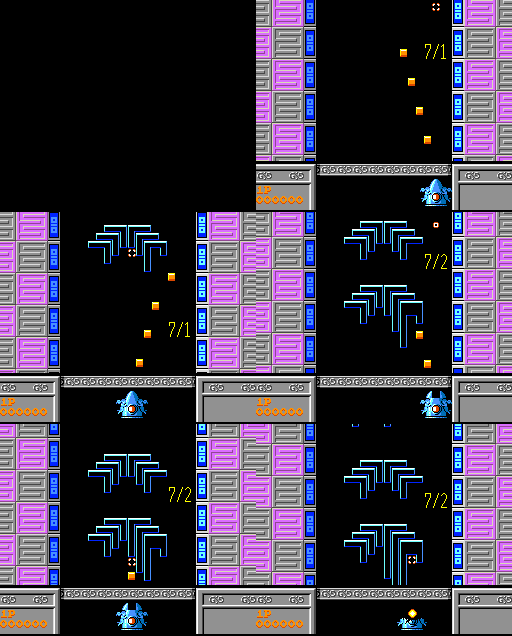
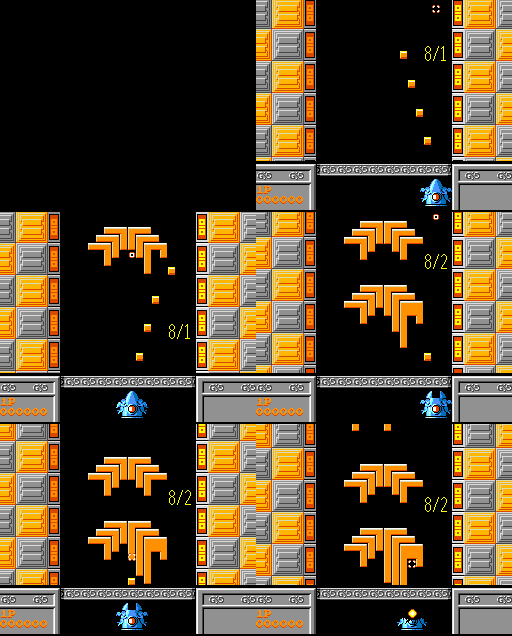
Each GIF is the start of a stage in 1P MODE, from its fade-in until the game
is lost (or 1,300 frames): with the stage chosen in STAGE,
tools/guiones/guion_fase.tcl holds up for the first three seconds (so that
formations come in), moves and fires every ten frames. It does not play
well: the point is to see each stage, its colours and its formations.
Stage 1
Stage 2
Stage 3
Stage 4
Stage 5
Stage 6
Stage 7
Stage 8
Stage 9
Stage 10
The pause
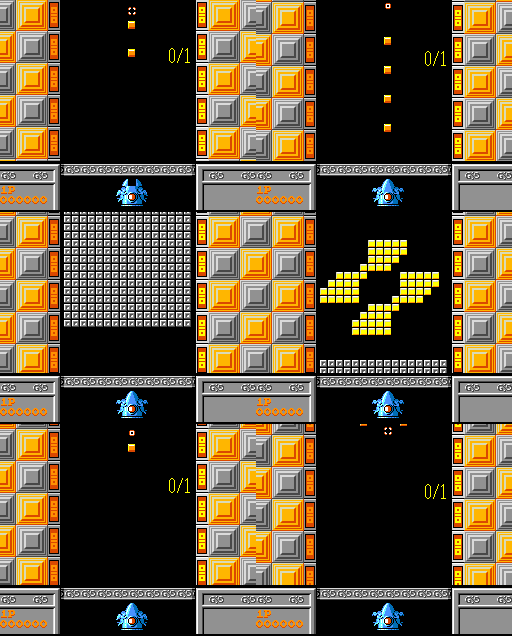
With F1 (p02:825E): the field is covered row by row and a figure made
of blocks is painted on top, a 16 x 21 bit map (p02:9D80, p02:9D0D); with
F1 again the field comes back row by row (p02:9DAC).
Losing
When a block reaches the ship's row, sound 0x1B plays, the fields stop
(p02:85A9) and GAME OVER comes up: there are no lives. Then the
continue countdown: from 9 to 0, one number every 0x30 frames
(p02:81C7); a button starts the same stage again, with the saved score set
to zero (p02:9A9D). If it goes past 0, back to the logo.